AI News
28 Jan 2026
Read 10 min
LANDR AI tools for producers: How to create mix-ready stems
LANDR AI tools for producers speed up writing and deliver DAW-ready studio-grade stems and pro layers.
LANDR AI tools for producers now include Blueprints and Layers to jumpstart songs and deliver mix-ready stems. Blueprints turns ideas into DAW-ready sections, while Layers adds guitars, bass, and more that match key, tempo, and structure. Both aim to speed workflows with ethical, Fair Trade AI data.
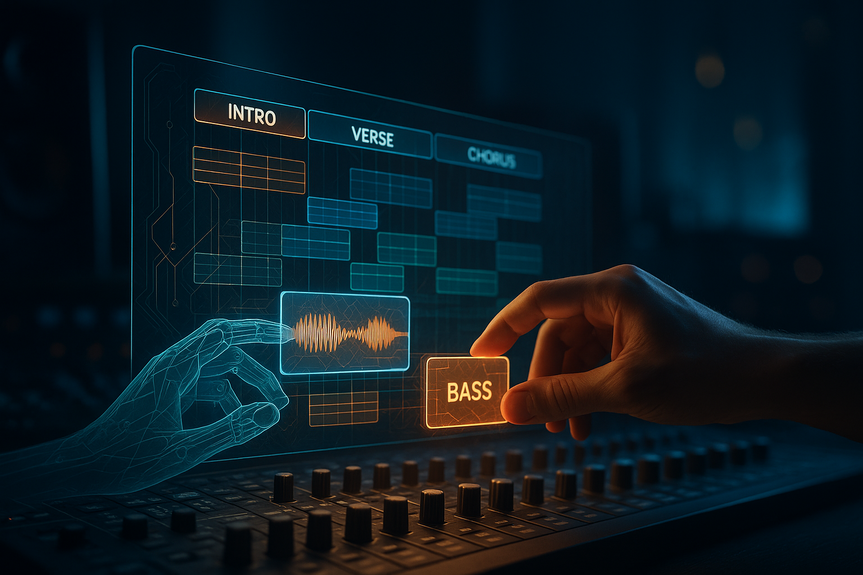
LANDR is expanding its creative suite after acquiring Reason Studios. The company introduced two connected tools built for fast songwriting and polished production. Blueprints helps you start with solid ideas. Layers helps you finish with clean, mix-ready parts that fit your track.
Genre or vibe (house, indie pop, drill, ambient)
Example lyrics or theme
Reference audio or artist influences
Desired tempo and key, if you know them
Pick an intro that sets mood and tempo
Choose a verse with space for vocals
Drop in a chorus with strong hooks
Add a bridge for tension and release
Keep only what serves the song. Blueprints is a brainstorm partner, not a rulebook.
Guitar leads or rhythm textures
Basslines that lock to the groove
Keys, pads, or plucks for depth
Extra percussion for energy
Intensity by section (hold back in verses, lift in choruses)
Rhythmic density (sparse, steady, busy)
Tone and character (clean, warm, gritty)
Render and preview. If a part crowds the mix, regenerate with fewer notes or a lighter tone.
Less is more: Use two or three strong parts per section. Space sounds like polish.
Section contrast: Lower density and darker tone in verses; go brighter and wider in choruses.
Motif discipline: Repeat key hooks with small variations rather than adding new ideas.
Reference checks: A/B your stems against a favorite track at matched loudness.
Regenerate with intent: If a layer clashes, change one thing—rhythm, register, or tone—before making a new pass.
Layers: open beta now
Blueprints: closed beta now, public access planned for February
Both tools: included with the LANDR Studio subscription
Live demos: scheduled at NAMM
If you already use LANDR for mastering or collaboration, these additions fit into the same ecosystem and keep your workflow in one place.
Beatmakers who need quick, clean stems for pitching
Songwriters who want structured starters to beat writer’s block
Indie producers who must deliver tight demos fast
Creators who value ethical AI data practices
Blueprints and Layers are still in beta, so some outputs may need tweaks
Guidance matters: vague prompts lead to generic results
Human taste still wins: edit and arrange with your ear, not by default
Why LANDR AI tools for producers are different
LANDR Blueprints and Layers work together inside the LANDR Studio ecosystem. Blueprints focuses on idea generation and structure. Layers focuses on adding pro-quality parts that fit your session. Both tools read your key, tempo, and arrangement so outputs line up with your project. The company says its Fair Trade AI Framework trains models on music from artists who consent and get compensated. That pledge aims to protect creators while still offering powerful AI features.How to sketch song ideas with Blueprints
Set a clear prompt
Start by telling Blueprints what you want:Generate song starters
Blueprints returns DAW-ready stems. You can get short loops or full sections like intro, verse, pre-chorus, and chorus. Audition options, then grab what sparks your idea.Build your structure
Drag stems into your DAW. Arrange a basic timeline:Polish with Layers: mix-ready parts in minutes
Layers acts like an AI co-producer. It reads your session and adds parts that match your song’s key, tempo, and structure. It was co-developed with Aiode and gives you fine control over the results.Choose the roles you need
Ask Layers for targeted elements:Guide the performance
Set simple rules so the part fits your style:From spark to mix-ready stems: a simple workflow
1) Define your intent
Pick a genre, a tempo range, and one reference track. Note what you like about the reference (swing, bass tone, drum punch).2) Build the skeleton with Blueprints
Use Blueprints to get a verse and chorus foundation. Choose melodic hooks and chord progressions that feel strong. Discard anything that fights your vocal or main motif.3) Lock in the rhythm section
Add or edit drums and bass first. Let Layers propose a bassline that follows your chords and groove. Keep kick and bass in sync to avoid mud.4) Add character parts with Layers
Ask for one or two support layers that lift the chorus and add motion in verses. Think call-and-response with the vocal, not constant playing.5) Print and clean
Print the Layers parts as stems. High-pass non-bass instruments, tame resonances, and keep headroom. The goal is mix-ready stems that drop into your session with minimal fixing.Creative tips to get better results
Ethical AI and why it matters
LANDR says its Fair Trade AI uses data from artists who choose to participate and receive payment. For many producers, this approach eases concerns about training data and credit. You can move faster with AI while staying aligned with creator rights.What to know about access and pricing
Who benefits most from LANDR AI tools for producers
Limitations to keep in mind
Bottom line: faster ideas, cleaner mixes
Use Blueprints to start strong and use Layers to finish clean. Together, these LANDR AI tools for producers help you turn a prompt into arranged sections and then into mix-ready stems that match your key and tempo. With ethical training data and simple controls, you can create faster without losing your voice. (Source: https://musictech.com/news/gear/landr-blueprints-layers-ai-tools/) For more news: Click HereFAQ
Q: What are LANDR Blueprints and Layers?
A: LANDR Blueprints is a musical brainstorming tool that turns prompts into DAW-ready sections, while LANDR Layers is an AI co-producer that generates mix-ready parts such as guitar leads and basslines matched to a song’s key, tempo, and structure. Both are part of LANDR AI tools for producers and run on the company’s Fair Trade AI Framework that uses ethically sourced data from consenting artists.
Q: How does Blueprints help start a song?
A: Blueprints asks for initial input like genre, example lyrics, reference audio, tempo or key and then returns DAW-ready stems ranging from short loops to full sections like intros, verses and choruses. You can audition options and drag chosen stems into your DAW to build a song structure.
Q: What can Layers add to my session?
A: Layers can add professional, mix-ready layers and instrumentals—guitar parts, basslines, keys, pads and additional percussion—that are adapted to your session’s structure, key and tempo. It was co-developed with Aiode and provides controls to guide performance parameters such as intensity, rhythmic density and tone.
Q: How do Blueprints and Layers work together in a typical workflow?
A: Use Blueprints to sketch the song skeleton by selecting verse and chorus stems, then apply Layers to add rhythm section and character parts that fit the locked key, tempo and arrangement. Together these LANDR AI tools for producers take a prompt to arranged sections and then to mix-ready stems within the LANDR Studio ecosystem.
Q: What does LANDR’s Fair Trade AI Framework mean for producers?
A: LANDR’s Fair Trade AI Framework means the company trains models on “ethically sourced data” provided by consenting and compensated artists, according to the article. The approach is intended to protect creator rights while powering the Blueprints and Layers tools.
Q: What limitations should I expect when using Blueprints and Layers?
A: Both tools are currently in beta—Layers in open beta and Blueprints in closed beta—so some outputs may require tweaks and human editing. The article also warns that vague prompts tend to produce generic results and that human taste and arrangement decisions remain important.
Q: Who benefits most from using LANDR’s new AI tools?
A: The article lists beatmakers who need quick, clean stems for pitching, songwriters seeking structured starters to beat writer’s block, indie producers delivering tight demos fast, and creators who value ethical AI practices as primary beneficiaries. These users can keep their workflow inside the LANDR Studio ecosystem where the tools integrate with existing LANDR services.
Q: How can I access Blueprints and Layers and are they part of LANDR’s subscription?
A: Layers is available in open beta while Blueprints is in closed beta with public access planned for February, and both tools will be included with the LANDR Studio subscription. The tools are also scheduled for demonstrations at NAMM.
Contents