AI News
30 Mar 2026
Read 10 min
How to spot deepfake scams before they steal your ID
How to spot deepfake scams and protect your ID with quick checks for glitches and odd behavior today.
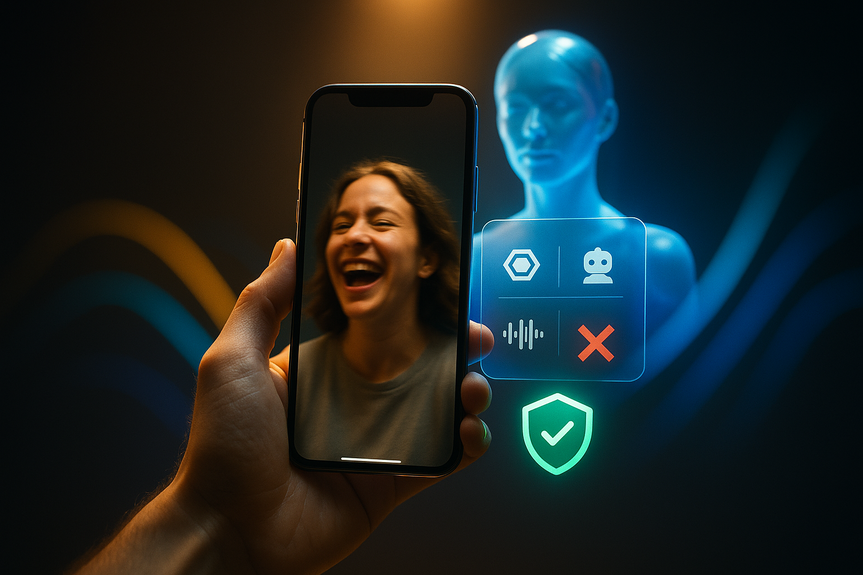
Scammers now use AI to fake faces, voices, and IDs. To learn how to spot deepfake scams fast, watch for odd blinking, lip-sync errors, warped edges, and voices that do not match the room. Verify through a second channel, slow down, and never share codes. Use passkeys, alerts, and credit freezes to cut risk.
AI has made fraud faster and easier. Cheap apps can swap a face in real time, clone a voice, and build a fake passport in minutes. Criminals also copy real websites to steal logins and money. Old tips like “hop on a video call” no longer work. This guide shows how to spot deepfake scams, protect your identity, and respond if something feels off.
What AI-powered fraud looks like today
Face and voice imposters
Scammers run live video calls with a swapped face. They may pose as a boss, a celebrity, a government worker, or a family member in trouble. Voice clones can say your name and ask for money or codes.Fake IDs and approvals
Fraudsters use public tools to make IDs that look real. They mix leaked data with small facts from social posts to pass some checks. They target bank accounts, loans, and rideshare profiles.Cloned websites
Criminals grab screenshots of a real site and rebuild it. The copy can load fast and look perfect. It may trick you into entering your password or card details.How to spot deepfake scams
Video red flags
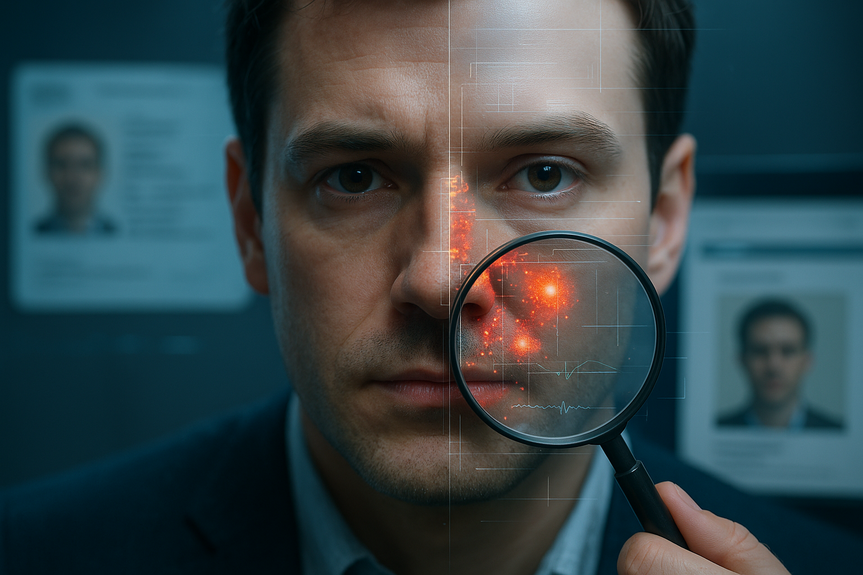
- Lips not in sync with words, or teeth and tongue look like a blur.
- Eyes blink too rarely, too often, or at the wrong time.
- Edges of hair, glasses, or earrings flicker or smear against the background.
- Skin texture is too smooth, lighting shifts oddly, or shadows jump.
- Head turns look stiff; profile views break the illusion.
Audio red flags
- Flat tone and robotic “s,” “sh,” or “ch” sounds.
- No natural breaths, room noise, or mic rustle.
- Accent or word choice drifts mid-call.
- Background echo does not match what you see.
Behavior red flags
- Rush and secrecy: “Do it now, don’t tell anyone.”
- Move off-platform to a private link or app.
- Asks for passwords, MFA codes, crypto, or gift cards.
- Refuses a callback on a known number.
Live checks you can request
- Ask for an odd action: “Touch your left ear, then show today’s date on paper.” Deepfakes often fail at quick, unscripted moves.
- Ask them to turn 90 degrees and come back. Side angles break many face swaps.
- Use a second channel: hang up and call a saved number, or send a new email to a known address. Never trust a link they provide.
Protect your identity during verification
Smart habits before you share
- Only upload ID photos inside an official app or site you typed yourself. Do not email selfies or IDs.
- Check the URL carefully. Look for misspellings or odd subdomains.
- Use a password manager; it will refuse to fill on look‑alike sites.
Stronger account defenses
- Use passkeys or a hardware security key where offered.
- Turn on app-based 2FA (not SMS) and set account alerts for logins and transfers.
- Use unique passwords for every site.
Limit what scammers can learn
- Hide your birthday, address, and school details on social media.
- Remove old posts that reveal travel or family patterns.
- Set a code word with close family for emergencies.
Guard your credit
- Place a free credit freeze with all major bureaus. Thaw only when needed.
- Set credit and transaction alerts; review statements weekly.
Stay safe on websites and apps
- Type the site address; avoid clicking links in messages.
- Padlock icons are not enough. Confirm the full domain name.
- Watch for unusual grammar, broken menus, or payment flows that feel new.
- Update your browser and phone. Turn on built-in phishing and malware protection.
- If a site asks you to “reverify” with your ID without warning, stop and contact support through a known channel.
What to do if you think you were fooled
- Stop the contact. Do not send money or share more info.
- Change passwords and revoke sessions on the affected accounts.
- Move funds to a safe account; call your bank on the number on your card.
- Enable a credit freeze and place a fraud alert with the bureaus.
- Report to your bank, the platform, and to the FTC (ReportFraud.ftc.gov) or IC3.gov.
- Keep screenshots, caller IDs, and transaction IDs. They help investigations.
If you run a team or business
- Use two-person approvals for payments and changes to vendor info.
- Confirm requests by a separate channel you already trust.
- Adopt passkeys and phishing-resistant MFA for staff.
- Train people with short, realistic drills that include voice and video lures.
- Review any video ID process for liveness checks and challenge prompts.
(Source: https://www.cbsnews.com/news/deep-fakes-ai-tools-scammers-identity-theft-cybersecurity/)
For more news: Click Here
FAQ
Q: What are common visual signs of a deepfake in a video?
A: Look for lips that do not sync with words, eyes that blink too rarely or at the wrong times, and edges where hair, glasses, or earrings flicker or smear against the background. Also watch for overly smooth skin, odd lighting or jumping shadows, and stiff head turns that break the illusion.
Q: What quick checks can I use during a call to learn how to spot deepfake scams?
A: Ask the person to perform an unscripted action—touch their left ear, show today’s date on paper, or turn 90 degrees—because deepfakes often fail at quick, unscripted moves. If unsure, verify through a second channel by hanging up and calling a saved number or contacting a known email address rather than trusting a link they provide.
Q: What audio cues suggest a cloned voice?
A: Listen for a flat, robotic tone, unnatural s, sh, or ch sounds, or an absence of natural breaths and room noise. Also watch for sudden accent or word-choice shifts and background echo that does not match what you see.
Q: How do scammers use AI to create fake IDs and approvals?
A: Fraudsters use widely accessible online tools to generate realistic ID documents and fabricate passports, mixing leaked data with small details from social posts to pass some verification checks. They use these fake IDs to target bank accounts, loans, credit cards, and rideshare profiles.
Q: How can I protect my accounts and identity from deepfake scams?
A: Use stronger defenses like passkeys or a hardware security key, app-based two-factor authentication (not SMS), unique passwords, and account alerts, and keep your browser and phone updated with phishing protections. Only upload ID photos inside official sites you type yourself, use a password manager to avoid look-alike pages, and type site addresses instead of clicking links.
Q: What steps should I take immediately if I suspect I was targeted by a deepfake scam?
A: Stop all contact and do not send money or share additional information, then change passwords and revoke sessions on affected accounts. Move funds to a safe account and call your bank using the number on your card, place a credit freeze or fraud alert, report the incident to your bank, the platform, and to the FTC or IC3, and save screenshots and transaction details for investigators.
Q: How should teams and businesses defend against deepfake attempts on payments and vendor changes?
A: Use two-person approvals for payments and vendor changes, confirm requests via a trusted separate channel, and adopt passkeys or phishing-resistant MFA for staff. Train employees with short, realistic drills that include voice and video lures and review any video ID process for liveness checks and challenge prompts.
Q: What signs indicate a cloned or fake website built by scammers to steal logins?
A: Scammers can clone legitimate sites by rebuilding screenshots, so look beyond the padlock and confirm the full domain name, watch for odd grammar, broken menus, or unusual payment flows, and type the site address instead of clicking links. Use a password manager to prevent autofill on look-alike pages and stop if a site unexpectedly asks you to “reverify” with your ID without contacting support through a known channel.
Contents