AI News
25 Sep 2026
Read 8 min
Are AI shopping assistants accurate 5 ways to verify
are AI shopping assistants accurate: use 3 easy checks to catch price and spec errors before you buy.
Are AI shopping assistants accurate? What the latest study shows
A fresh analysis by Product.ai ran 220 product questions—about laptops, TVs, mattresses, sunscreen, and robot vacuums—through free and paid versions of four popular AI tools. The team asked each question five times per tool and captured 8,794 answers. They looked for repeatable conflicts: checkable disagreements on facts like price, model, or spec.
- 86% of questions produced a repeatable conflict.
- Head-to-head comparisons were worst: 97% showed conflicts.
- Even prices were tricky: in 913 verifiable answers, about 85% matched current or listed prices.
- When a price was wrong, the median miss was $300.
Results also varied across tools and tiers. Some paid versions reduced costly errors compared with their free tiers. One model’s free tier contradicted itself in almost a third of repeat runs. A major search company noted that its consumer app pulls from a huge, constantly updated product graph, which may differ from its developer API that the study used.
The takeaway is simple: use AI to narrow choices, not to finalize them. If you’re asking yourself, “are AI shopping assistants accurate?” the safe answer today is “sometimes—so verify.”
Why these tools get facts wrong
Prices change fast
- Retailers run flash sales, region-specific deals, and coupon codes.
- Bots can surface a past price or a cached page that’s no longer valid.
Model numbers look alike
- Brands ship many near-identical SKUs with small suffix changes.
- LLMs can mix specs from similar models or older generations.
Web data is messy
- Seller pages, marketplaces, and blogs may conflict or be outdated.
- Summaries can inherit errors if sources disagree.
Responses can vary run to run
- Some models produce different answers to the same prompt.
- That variance multiplies confusion in side-by-side product picks.
5 ways to verify before you buy
1) Click through and confirm at the source
- Open the retailer’s product page. Check the live price, size, color, and stock.
- Match the exact model number (brand + series + full SKU).
- If the bot cites a source, visit it. If it doesn’t, ask for links.
2) Cross-check with two more engines
- Ask the same question on at least two other AI tools.
- Run it twice on the same tool to spot self-contradictions.
- If answers differ, trust the retailer page or the brand’s site.
3) Anchor details with specifics
- Include the region, size/capacity, color, and warranty in your prompt.
- Add “as of today” and your time zone to reduce stale info.
- For price checks, ask for the date/time observed and the store URL.
4) Verify specs with official documents
- Compare key specs (CPU/GPU, screen size, battery, ports) with the brand’s spec sheet.
- For appliances and TVs, match energy ratings and panel types.
- For skincare and consumables, confirm size, ingredients, and SPF from the label.
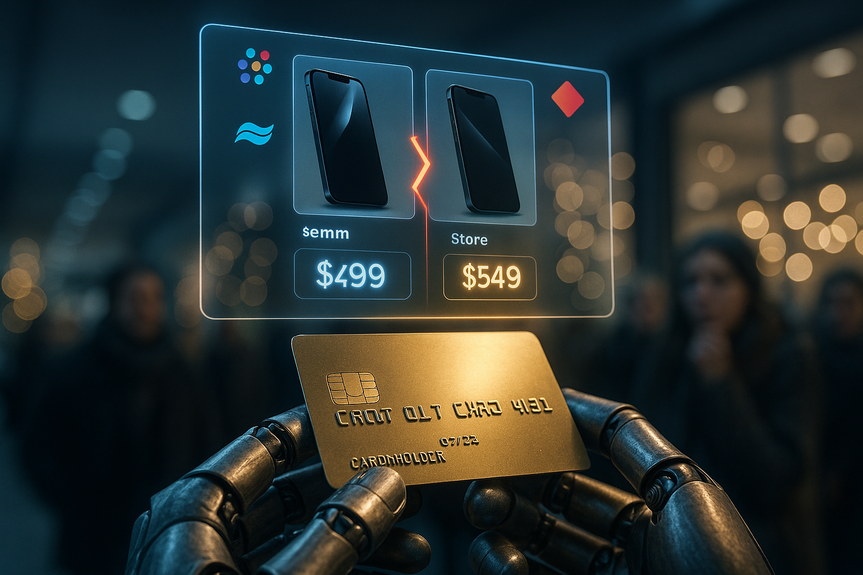
5) Use carts and alerts, not agent checkout
- Add items to your own cart on the retailer site to lock live pricing.
- Set price-drop alerts and watch for coupon codes.
- Read return and warranty terms on the seller site before paying.
How to ask better questions
Be concrete
- “Compare LG C4 65-inch vs Samsung S90D 65-inch for gaming, budget $1,500, US, today.”
- Ask for a side-by-side table with links to official product pages.
Force evidence
- “Cite at least two retailer URLs per claim. If uncertain, say so.”
- “Highlight any conflicts between sources.”
Spot signals of risk
- Missing model numbers, no links, or vague phrases (“often,” “usually”) are red flags.
- When the deal looks too good, verify stock and seller reputation.
When an agent is useful—and when it isn’t
Great for discovery
- Brainstorming product shortlists and feature priorities.
- Explaining jargon like “local dimming zones” or “nit brightness.”
Risky for final decisions
- Locking prices, comparing near-identical SKUs, or checking stock.
- Auto-checkout with stored payment details.
So, are AI shopping assistants accurate? They can be helpful, but they are not yet reliable enough to trust without checks. Use them to explore options and learn, then confirm prices, specs, and availability at the source. Five quick verifications can protect your budget and keep your holiday shopping on track.
(Source: https://www.businessinsider.com/study-shows-ai-errors-shopping-tools-struggle-accuracy-2026-9)
For more news: Click Here
FAQ
Contents